

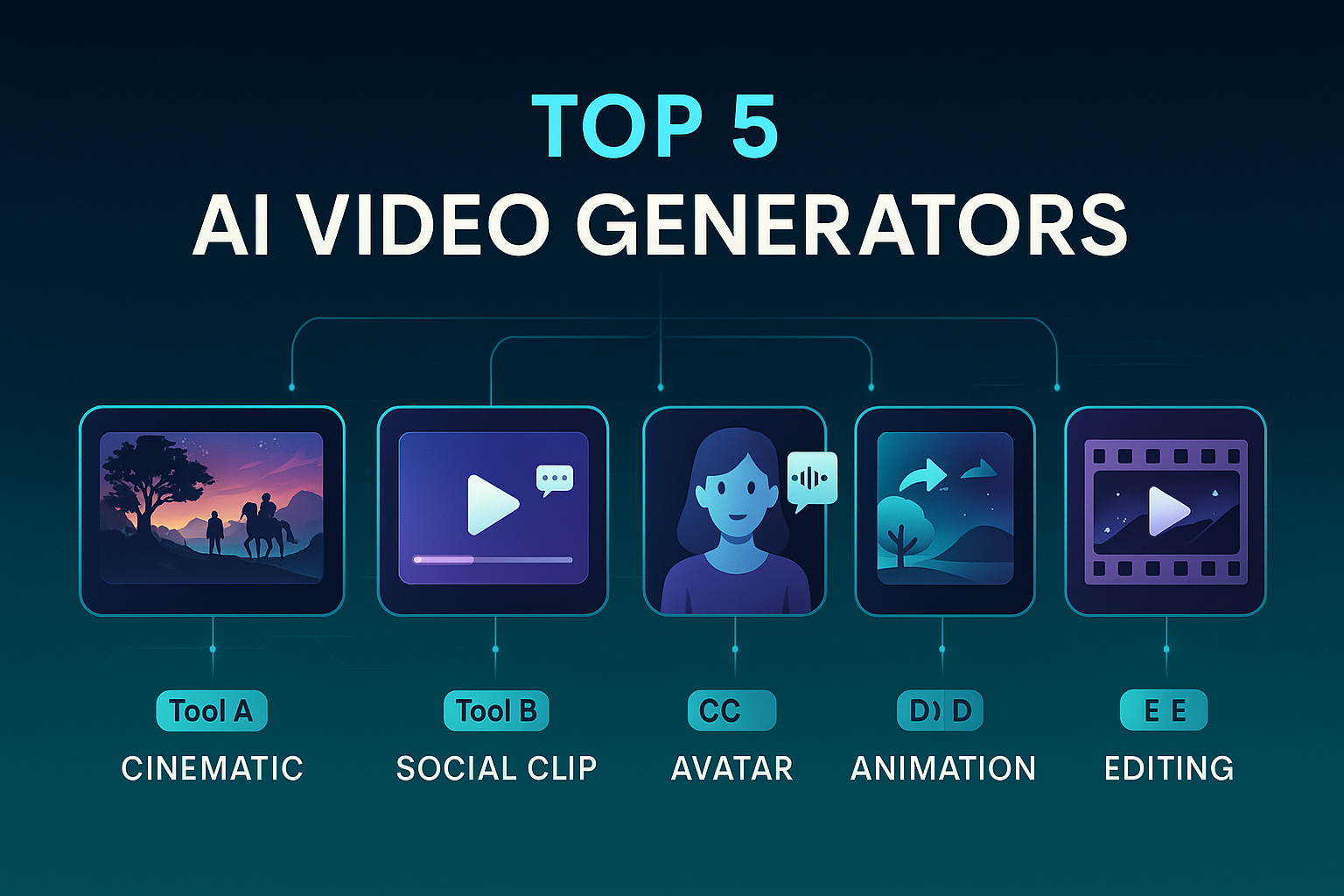
Nowadays, AI video generators are not just changing how people create videos, but they’re also opening real income opportunities. With just a few clicks, anyone can turn their ideas into high-quality content that sells. From launching a faceless YouTube channel to creating ads for clients, promoting products, or building digital courses, these tools help creators make money without expensive equipment or a production team.

Whether it’s marketing, storytelling, education, or entertainment, AI has made the process easy and is helping everyone build a profitable video-based business from anywhere.
This article is all about the five best AI video generators. Each tool brings unique strengths that suit different needs and content styles.
What Makes a Great AI Video Generator?
Choosing the right AI video generator depends on various factors. A strong platform should offer:
- Ease of use: A simple interface that doesn’t require advanced editing skills.
- Text-to-video conversion: Quick transformation of scripts into finished videos.
- Customization: Flexible templates and branding options.
- High-quality output: Crisp visuals, realistic avatars, or cinematic storytelling.
- Export options: Multiple formats for different platforms.
These features help creators, marketers, and educators produce polished videos faster than ever before.
5 Best AI Video Generators
You can create amazing videos in minutes with these tools. Let’s explore them:
-
Synthesia: Best for Realistic AI Avatars
Synthesia stands out as one of the most powerful AI video generators for professional content. It allows users to create high-quality videos with lifelike avatars in minutes. There are a lot of businesses and educators who often use this platform to build training videos, explainers, and marketing content.

Key Features
- Realistic AI avatars with natural facial expressions and gestures.
- Support for over 140+ languages.
- Easy script-to-video workflow.
- Custom branding options.
Why It’s Great
With Synthesia, you don’t need cameras, microphones, or editing software. It helps brands create consistent and polished videos without hiring actors or editors. This makes it ideal for companies that want scalable content creation.
Considerations
It delivers impressive visuals, but customization can feel limited for creators who want complete creative control.
-
Sora: Best for Cinematic AI Video Generation
Sora brings storytelling to life with cinematic quality. It focuses on creating ultra-realistic scenes that mimic real footage. Content creators, filmmakers, and storytellers are now using Sora to build immersive experiences.

Key Features
- Natural movement and lifelike animation.
- High-resolution visuals with strong cinematic appeal.
- Intuitive interface for script-based storytelling.
- Creative scene generation capabilities.
Why It’s Great
Sora helps creators produce short films, product stories, or TikTok-style videos without film crews or expensive setups. It bridges the gap between imagination and professional video production.
Considerations
Rendering time can be longer than other tools due to the cinematic quality. However, the results are worth the wait.
-
Invideo: Best for Marketers and Social Media Creators
InVideo has become a favorite among marketers and content creators. It focuses on speed, templates, and branding flexibility. It is an excellent choice for social media campaigns.

Key Features
- Hundreds of ready-made templates.
- Drag-and-drop editing tools.
- Its AI voice options let creators produce natural and lifelike voiceovers with ease.
- AI-assisted script-to-video generation.
- Stock media integration for quick production.
Why It’s Great
Marketers can produce engaging promotional videos, ads, and reels in minutes. Its easy interface supports creators who want fast results without technical barriers.
Considerations
While it’s easy to use, advanced customization options are more limited than on complex professional platforms.
-
Pika: Best for Creative Storytelling and Animation
Pika stands out for its artistic and animation-focused style. It allows creators to generate videos with unique storytelling elements that feel dynamic and expressive.

Key Features
- AI-driven animation and motion effects.
- Cinematic camera movement and fluid transitions.
- Strong support for creative projects.
- Simple editing interface.
Why It’s Great
Pika appeals to artists, storytellers, and small creators who want their videos to feel personal and visually distinctive. It adds flair and depth to animated storytelling without requiring professional animation skills.
Considerations
Its creative flexibility comes with a slight learning curve, but most users adapt quickly.
-
Runway ML: Best for Advanced AI Editing
Runway ML is a favorite among professional editors and filmmakers. Unlike template-based tools, it focuses on AI-powered post-production and advanced creative control.

Key Features
- AI video inpainting and background removal.
- Text-to-video generation with strong editing capabilities.
- Professional editing tools integrated with AI.
- Compatibility with major editing workflows.
Why It’s Great
Runway ML suits professionals who want AI to enhance rather than replace their editing skills. It gives creators the power to refine, rework, and enhance their projects with precision.
Considerations
The interface can feel technical for beginners, but experienced creators often find it incredibly powerful.
Comparison: Best AI Video Generators in 2025
| Tool | Best For | Key Feature | Unique Strength |
| Synthesia | Corporate & training videos | Realistic avatars | Professional look & feel |
| Sora | Cinematic storytelling | Ultra-realistic rendering | High-end visuals |
| InVideo | Marketing & social media content | Fast template editing | Quick & accessible |
| Pika | Creative animation | AI storytelling | Artistic expression |
| Runway ML | Professional editing | Advanced AI tools | Post-production capabilities |
How to Choose the Right AI Video Generator?
Every creator has their own needs and thoughts. To choose the right tool, you need to identify your content’s purpose.
- For business and training: Synthesia provides a polished and professional finish.
- For cinematic storytelling, Sora offers the most immersive scenes.
- For marketing: InVideo simplifies campaign video creation.
- For artistic storytelling: Pika delivers expressive animation.
- For advanced editing: Runway ML gives full creative control.
Other factors also matter, such as budget, technical skill level, and project timeline. Beginners often prefer tools like InVideo and Synthesia for their simplicity. Experienced creators and professionals trust Runway ML or Sora for their depth and flexibility.
The Future of AI Video Creation
AI video generation is no longer a futuristic concept, but it’s an essential part of modern content creation. Marketers, educators, influencers, and businesses use these tools to produce engaging content at scale.
As AI technology continues to advance, video creation becomes faster, smarter, and more accessible. Creators no longer need expensive gear or large teams to produce professional content. A good AI video generator and a strong script can turn a script, concept, or idea into a stunning video in minutes.
Final Thoughts
These 5 AI video generators, Synthesia, Sora, InVideo, Pika, and Runway ML, describe the leading options for creators in 2025. Each platform has a clear purpose, from simple social media content to high-end cinematic storytelling.
This article has provided you with the key strengths of each tool to help creators make the right choices. In upcoming guides, each tool will be explored in detail to show how to use it effectively.
With the right platform, anyone can transform an idea into a captivating video. The future of content creation is AI-powered, and it’s already here.
19 Responses
Wow…. I’ve been hearing so much about Sora lately and didn’t realize it was this powerful already
Invideo has been my go-to for months. Love that it’s still one of the best free options.
Great roundup…I’ve tried Runway ML and it’s honestly mind-blowing for editing short clips.
I’m surprised Pika made the list .. it’s been improving fast though. 👏
Appreciate the honest breakdown. Not everyone mentions the limitations of these tools.
Synthesia looks cool, but I wish the free version had more avatar customization.
This list is perfect for creators who don’t want to spend hundreds on video tools.
Love how you listed both AI video editors and text-to-video tools … super helpful for creators like me
Thanks for breaking down the best free AI video generators … so many options now in 2025!
I like that you included Sora AI video generator… not many lists mention it even though it’s quite powerful.
I was just looking for a free text-to-video generator for YouTube shorts
I haven’t tried Pika yet, but I keep hearing it’s great for AI animation and short-form videos.
Super informative article! I didn’t realize how many free AI video creation tools exist now.
these AI generators are good, but I still prefer editing manually for more control
Great to see Sora getting recognition; it’s definitely a rising star among AI video generators in 2025
Can anyone confirm if Pika allows text-to-video in HD on its free plan???????
Loved the insights! Runway ML’s Gen-2 model really changed the game for AI-generated video editing
Wish there was a section comparing rendering time……. that’s my main issue with some AI video creators.
Excellent article overall .. I discovered Sora and Pika from here and both are worth checking out!